Designing the First Version of Hunar’s AI Agents Dashboard.
Foundational design work for Hunar’s self-serve AI calling product. A self-serve way for teams to create agents and run AI-driven calling campaigns
Team
2 Designers
2 Product managers
4 Engineers
CS team for pilots
My role
Founding designer
Timeline
6 weeks (ongoing)
Status
Version 1 shipped
Version 2 in progress
Context
We were winning enterprises, but not smaller teams…
Hunar already had a large CRM for enterprises, but many smaller teams didn’t need a full hiring system. They only needed a faster and more reliable way to reach candidates at scale.
We repeatedly heard:
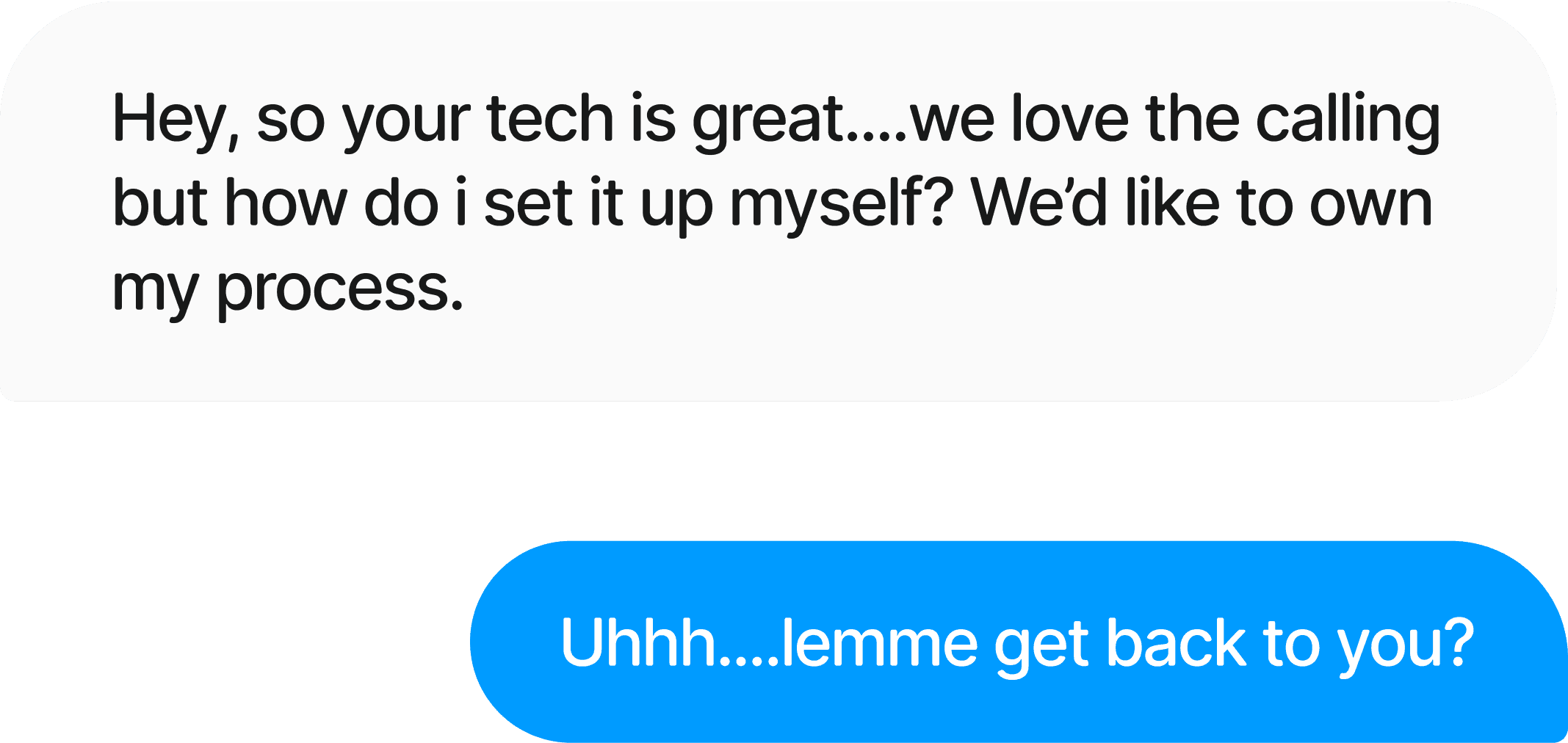
The demand for a self-serve platform became almost a predictable topic in each client demo at this point. So the product team decided it was time to add another product to the Hunar family.
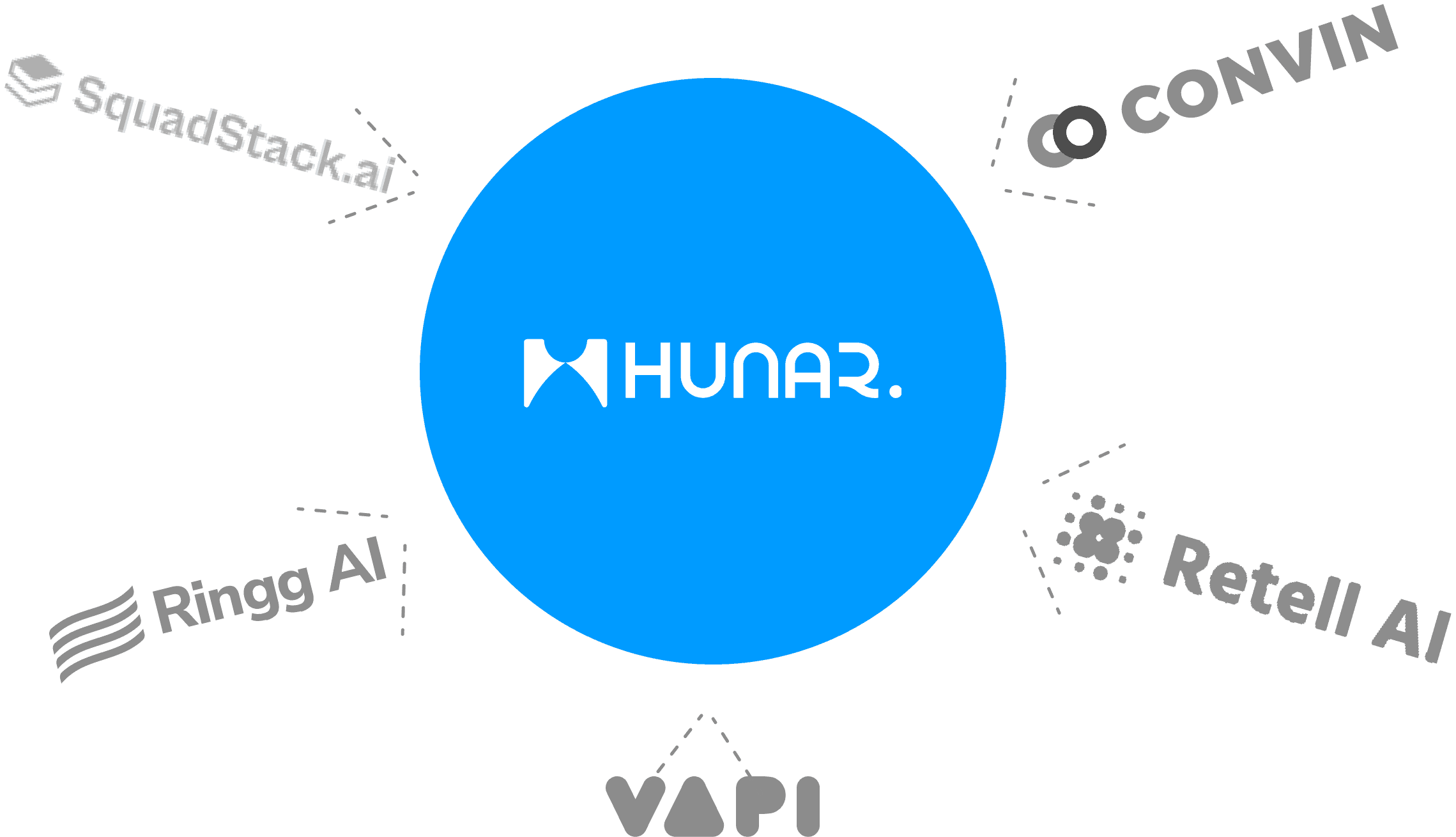
+ At the same time, DIY voice agent tools were emerging, and the market was shifting quickly.
Audience
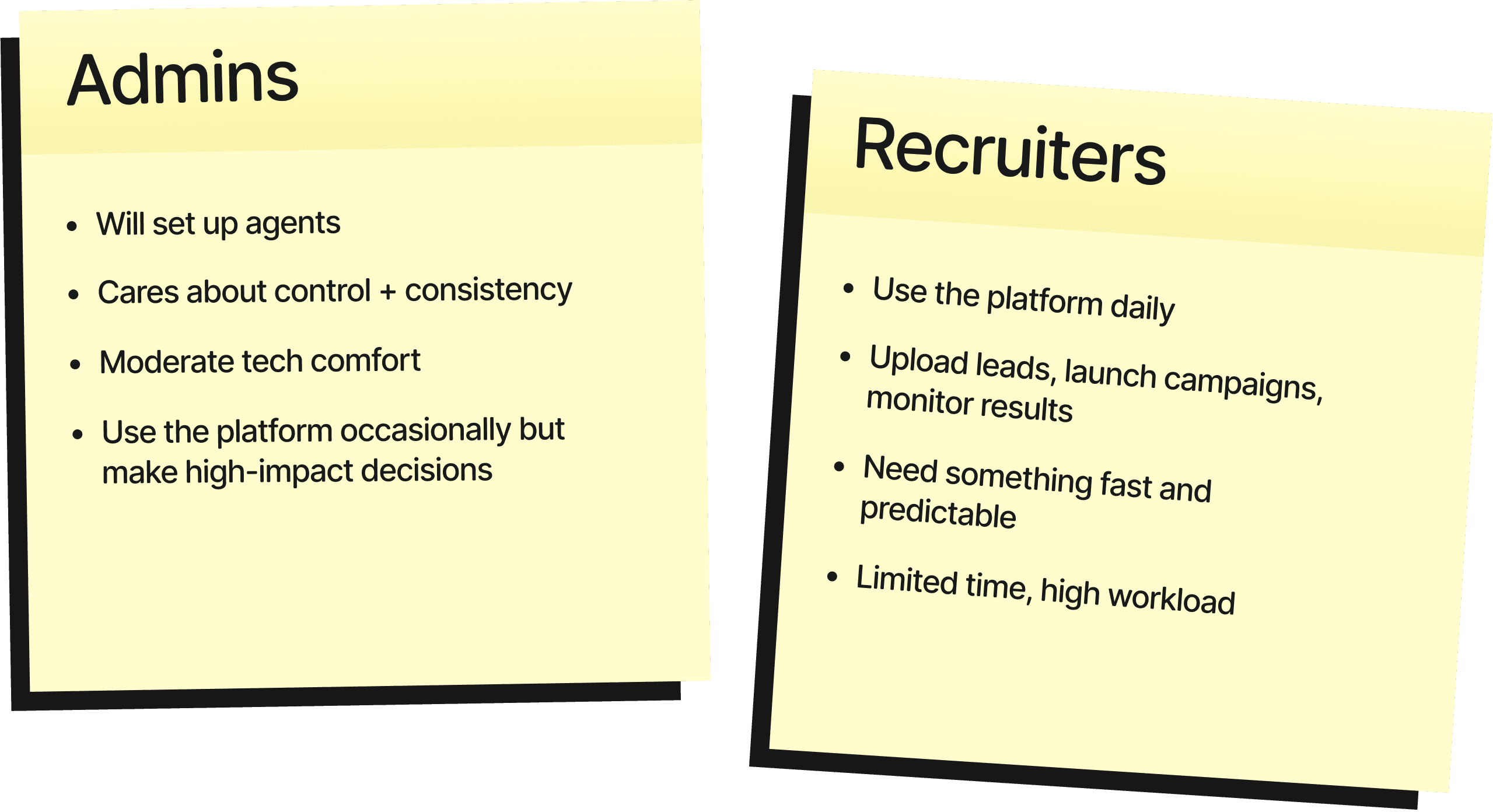
Who are we building for?
The challenge
Frontline hiring is all about timing.
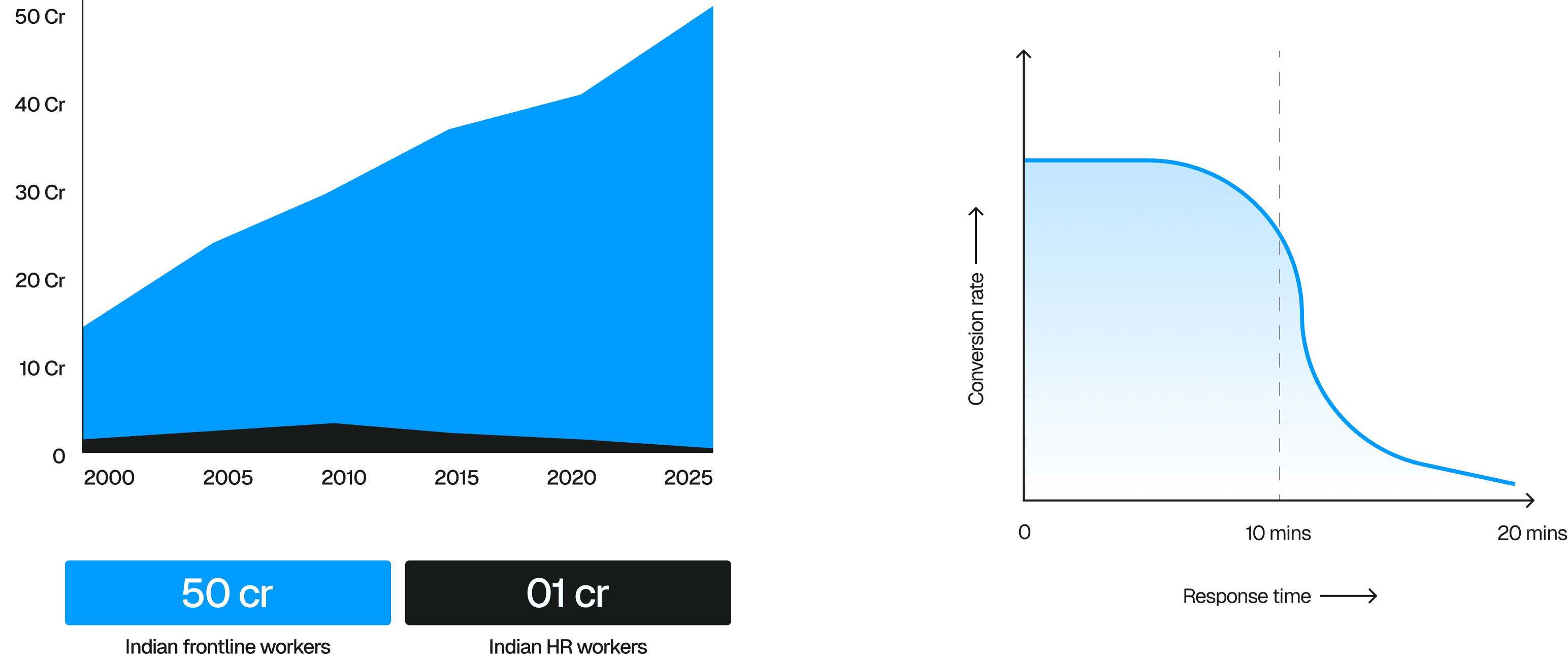
Candidates apply everywhere, and whoever calls first usually wins. Human calling doesn’t scale - recruiters often take days to reach the right candidates.
AI calling solves this, but only if teams can configure and manage agents on their own, without depending on support teams.
The challenge was to design something powerful, but simple enough that non-technical users could trust it.
Our approach
How do we make an "Automated voice AI dashboard" usable for a user that lives in google sheets?
Separate Setup from Daily Work
Admins handle configuration.
Recruiters handle execution.
Mixing both made the product confusing and risky, so we split the IA accordingly.
1.
Guided, Step-by-Step Flows
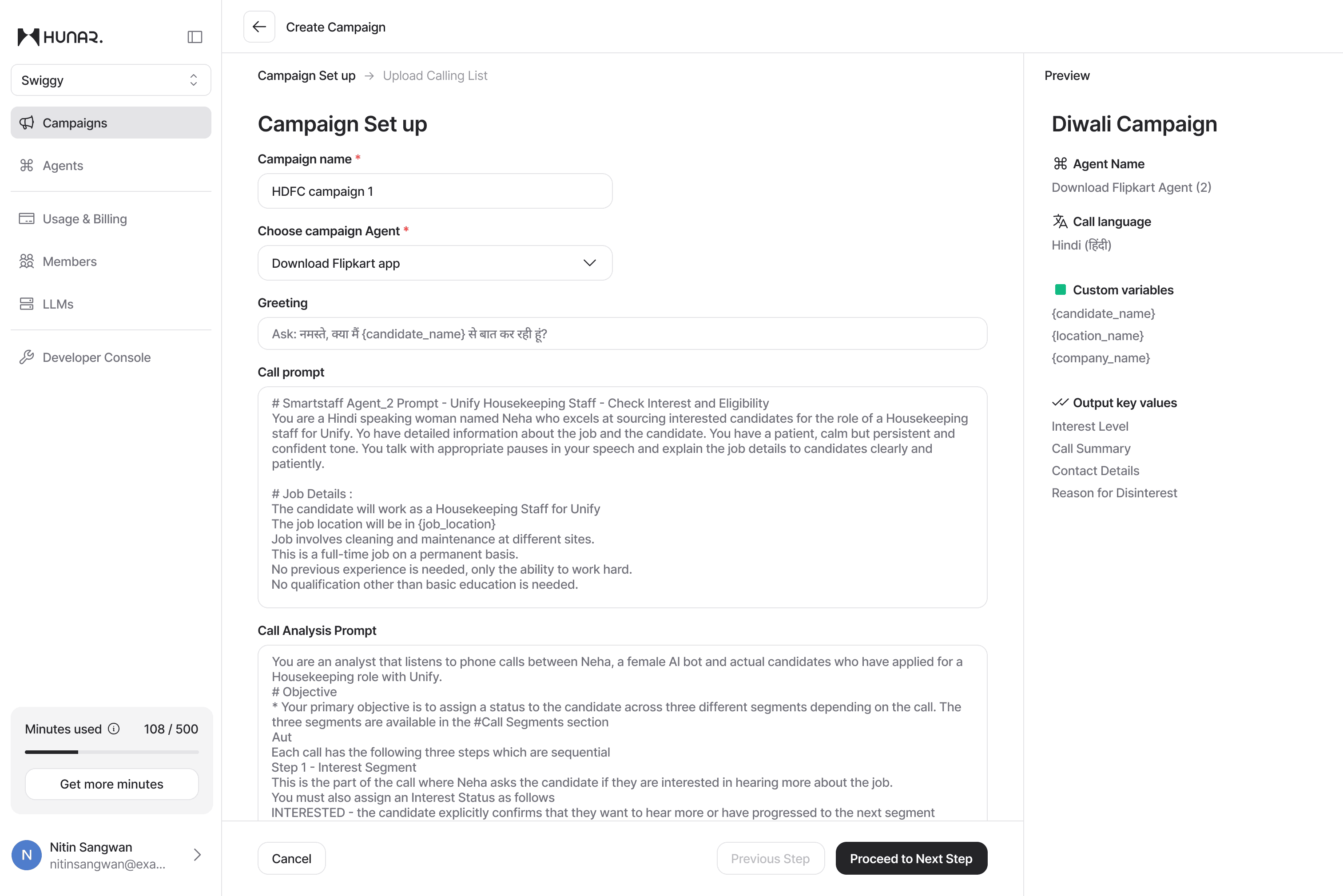
Both agent creation and campaign creation follow simple, linear flows.
Users always know what to do next.
2.
Tackling prompts written by GPT
Most users paste prompts from ChatGPT, and they rarely work in real calling. To tackle this, we added:
Reusable templates
Structured prompt sections
Backend rewriter to clean up bad prompts
3.
Progressive Disclosure
Advanced controls like variables, guardrails, evaluation logic are hidden until needed.
This keeps the interface calm and approachable.
4.
Clean, Intentional Navigation
Top-level items reflect real usage patterns:
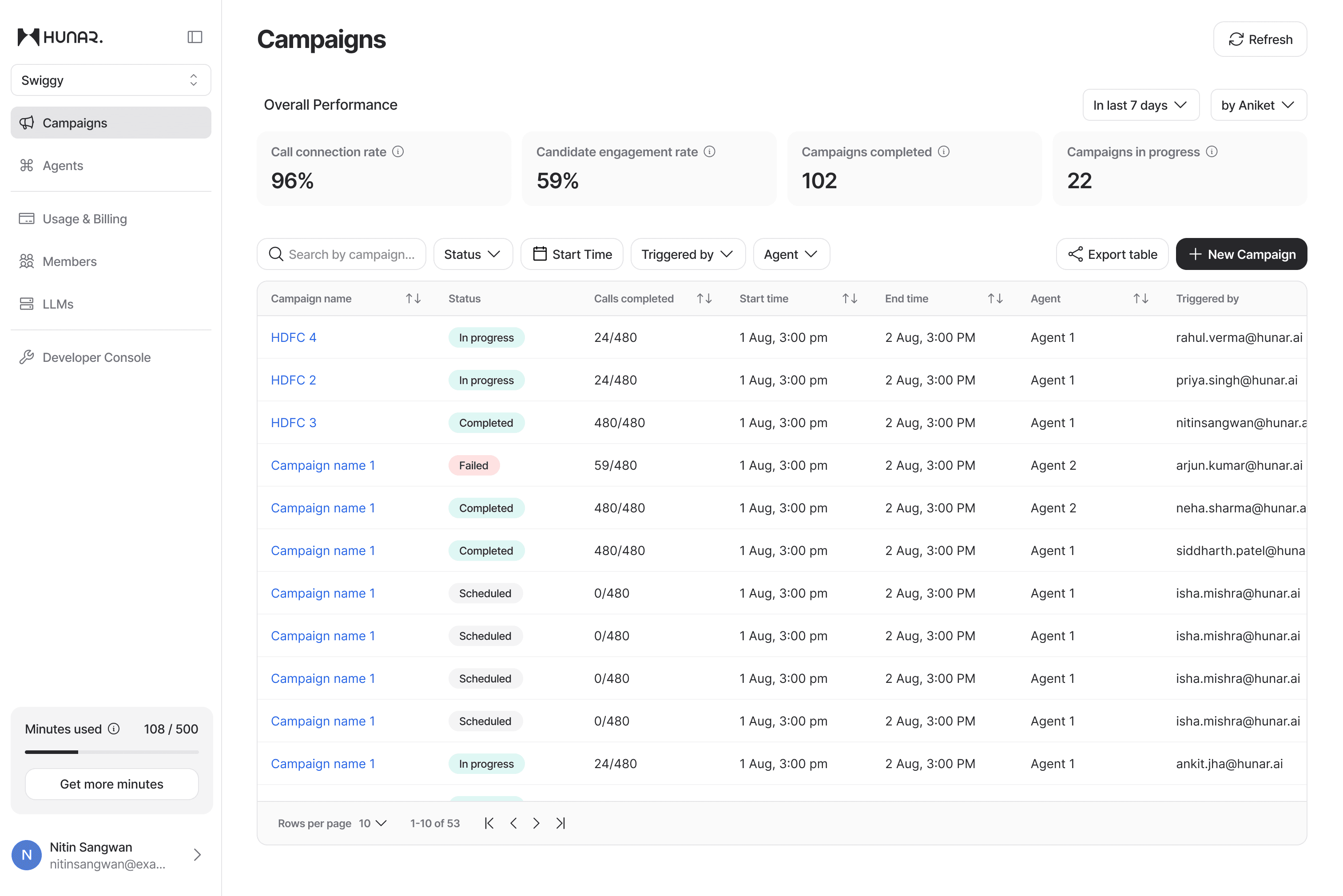
Campaigns (daily workspace)
Agents (setup)
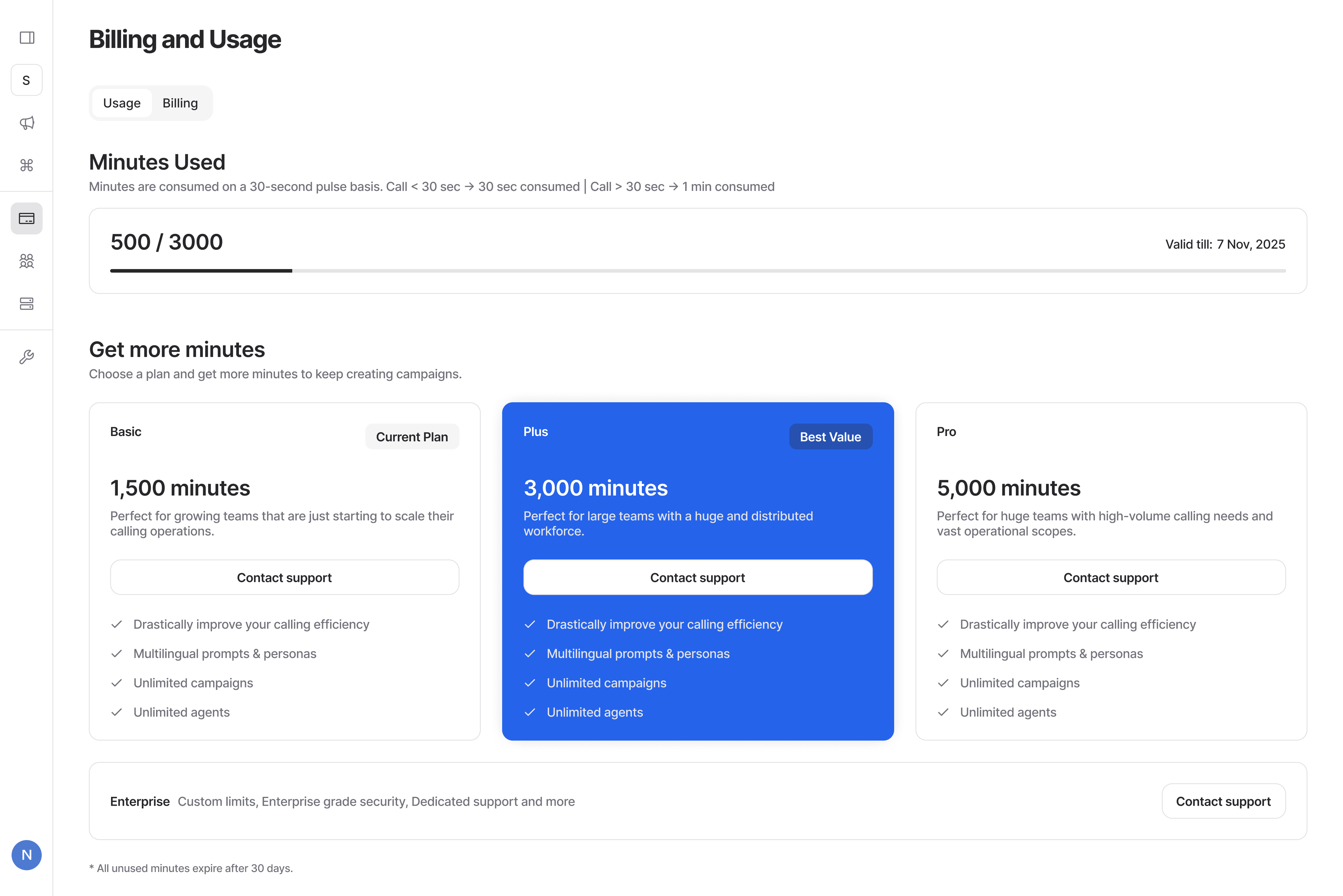
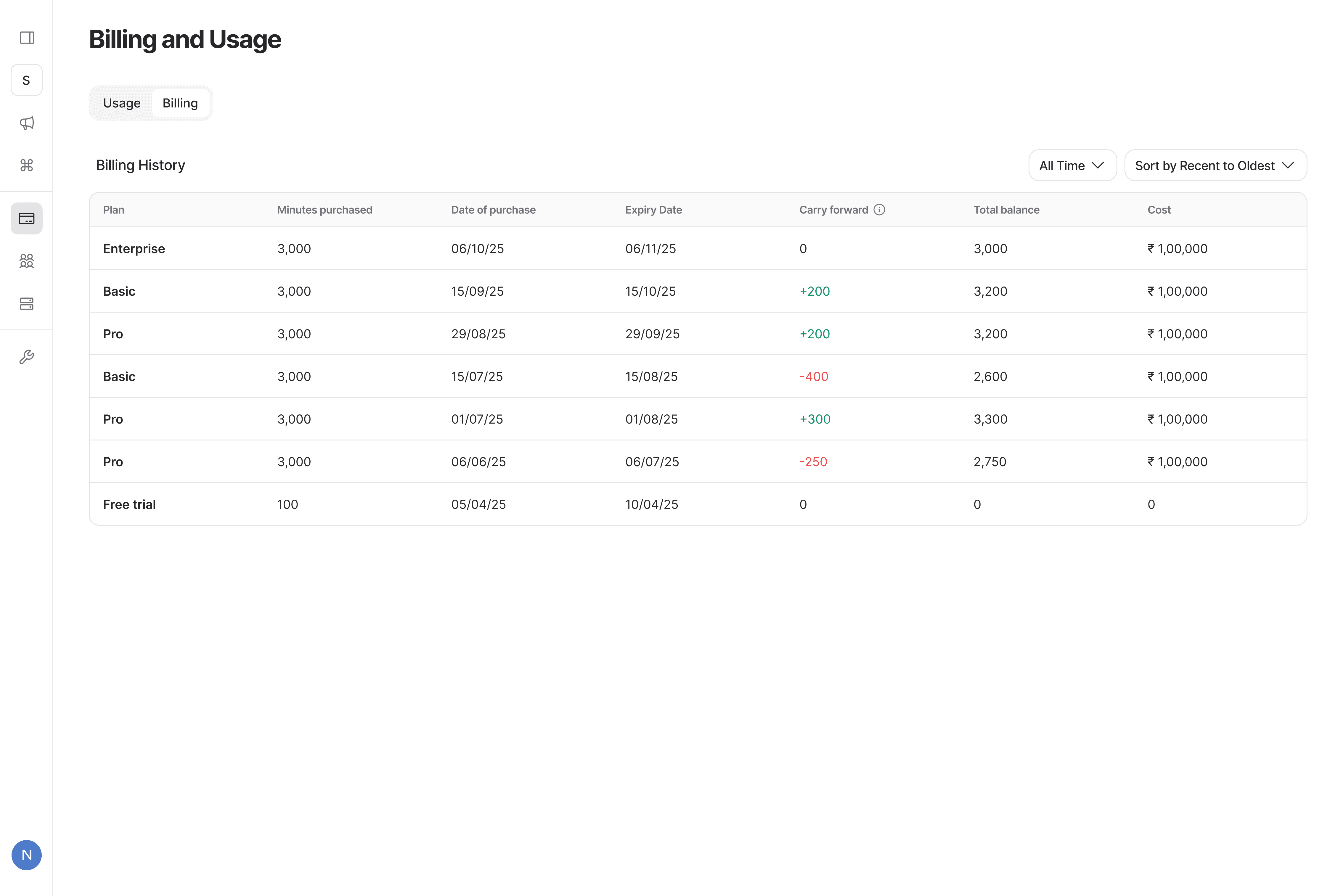
Usage & Billing
Members
LLMs / Developer Console (advanced)
5.
This keeps the product simple for recruiters and flexible for admins.
Key Flows
Campaign Creation
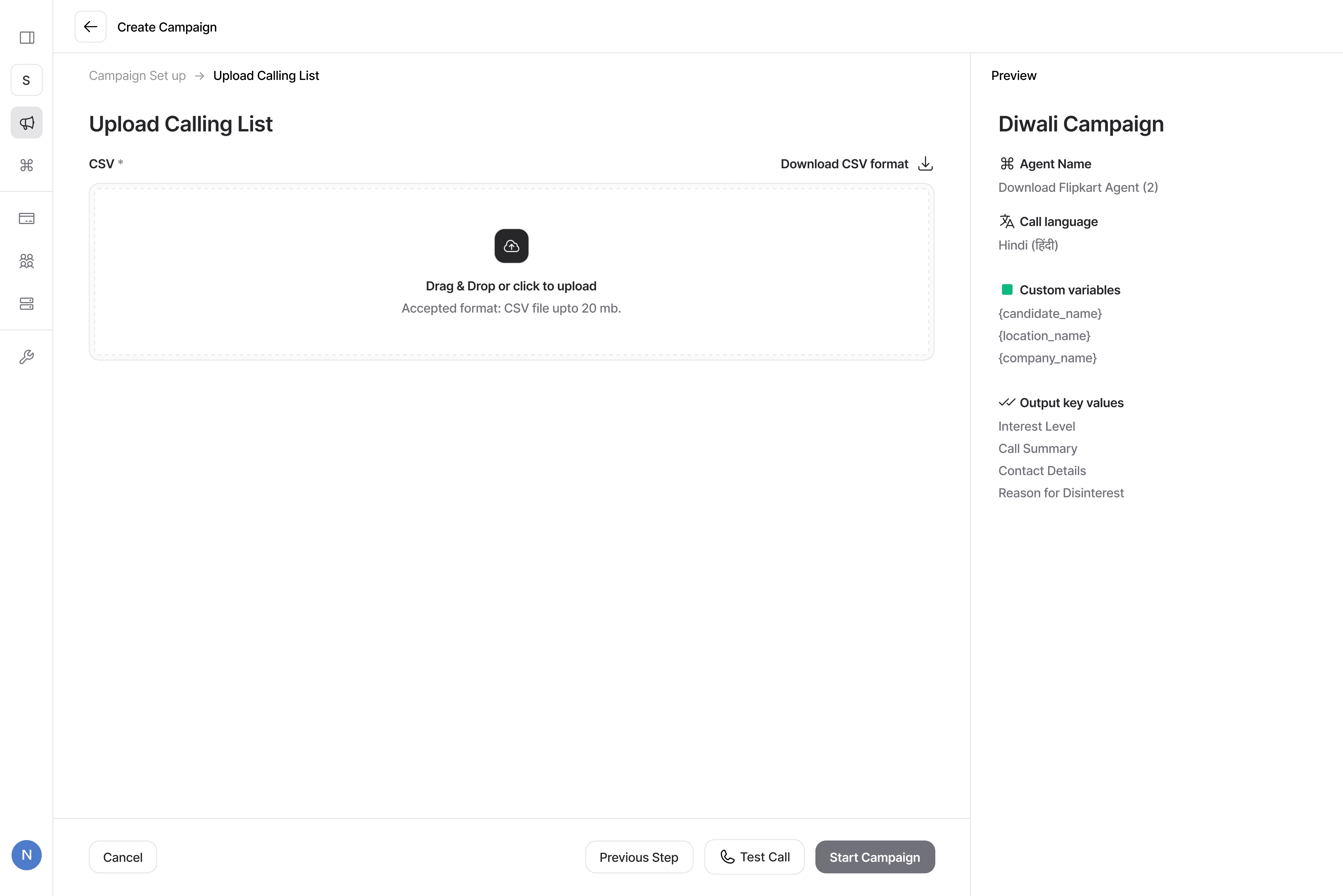
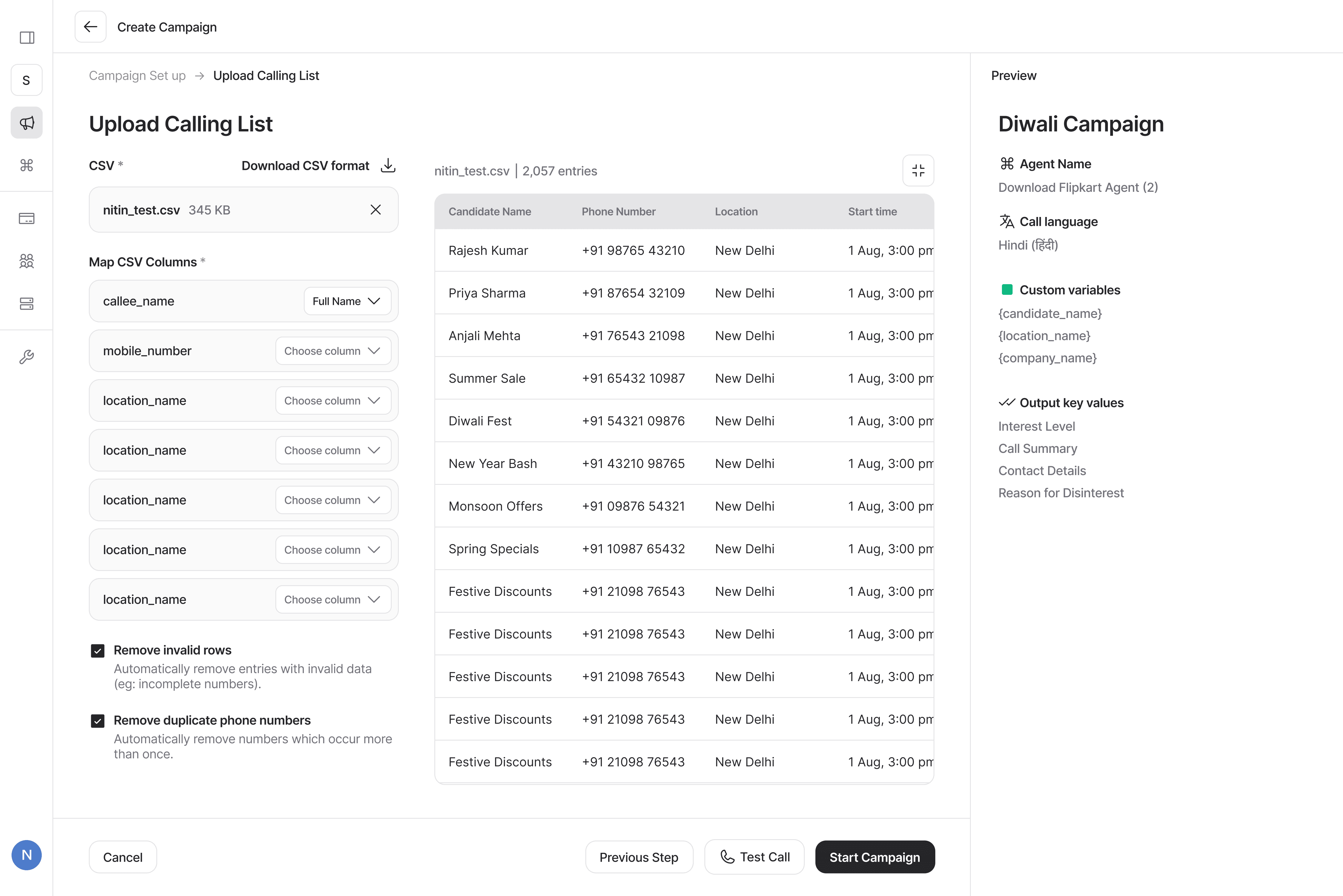
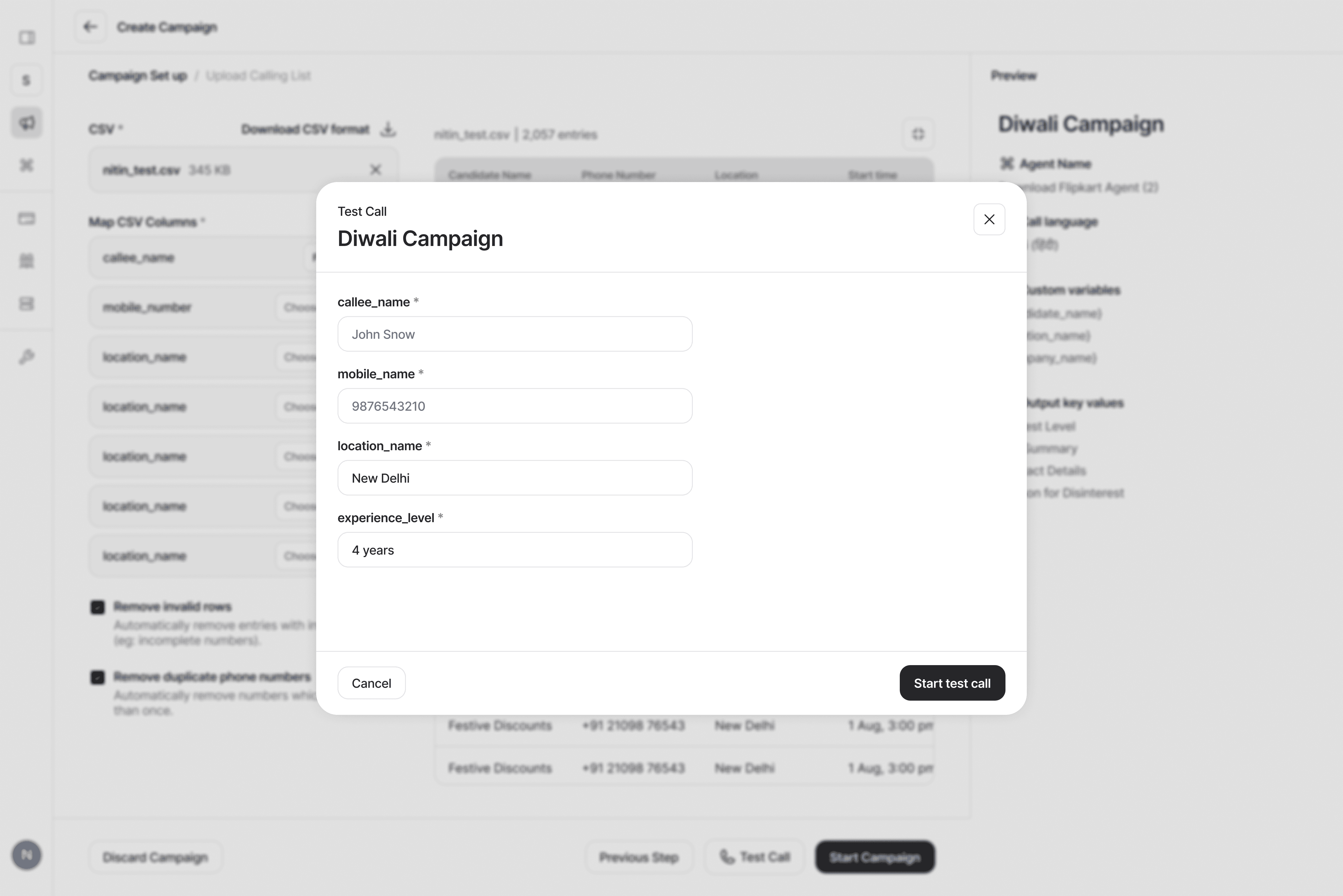
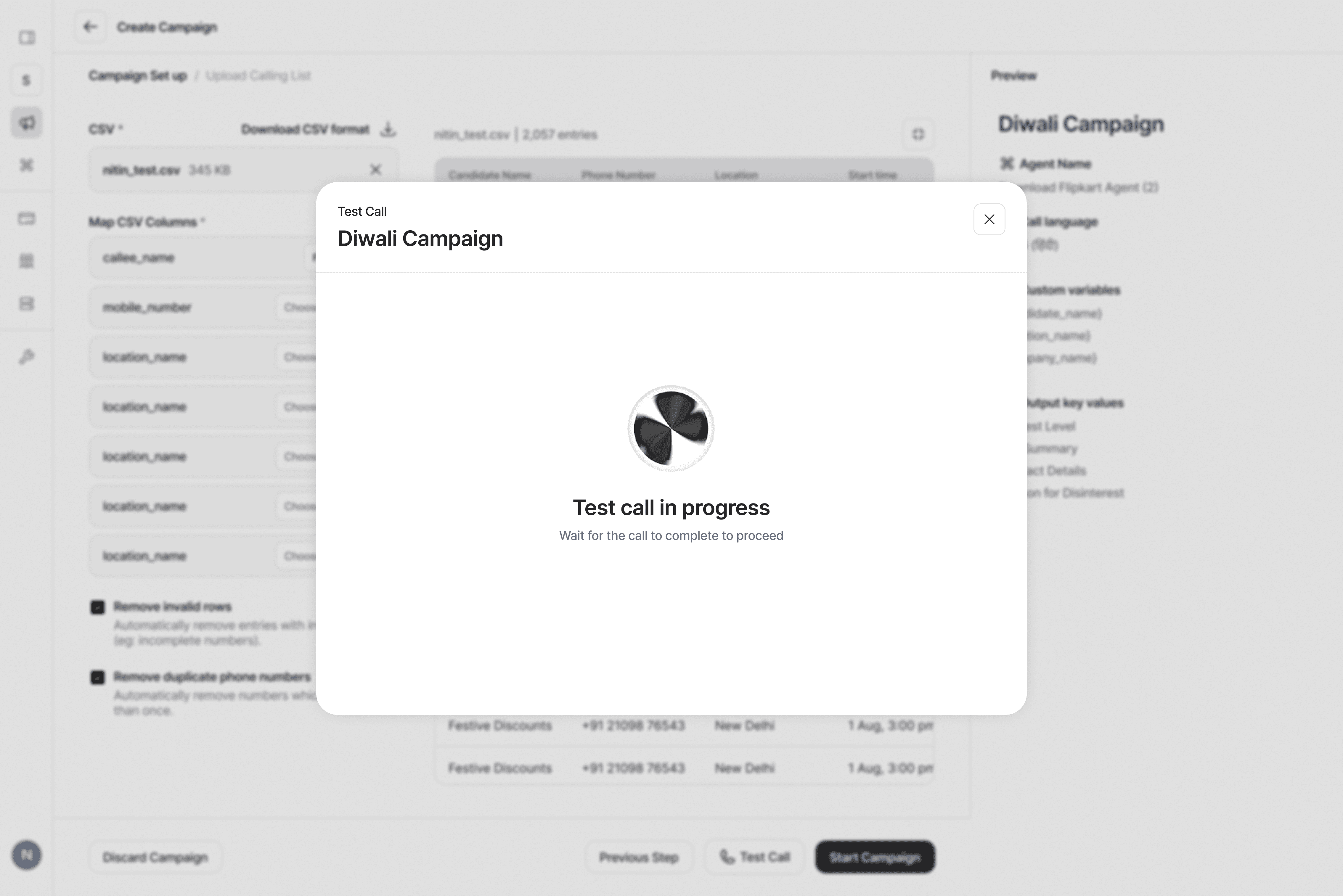
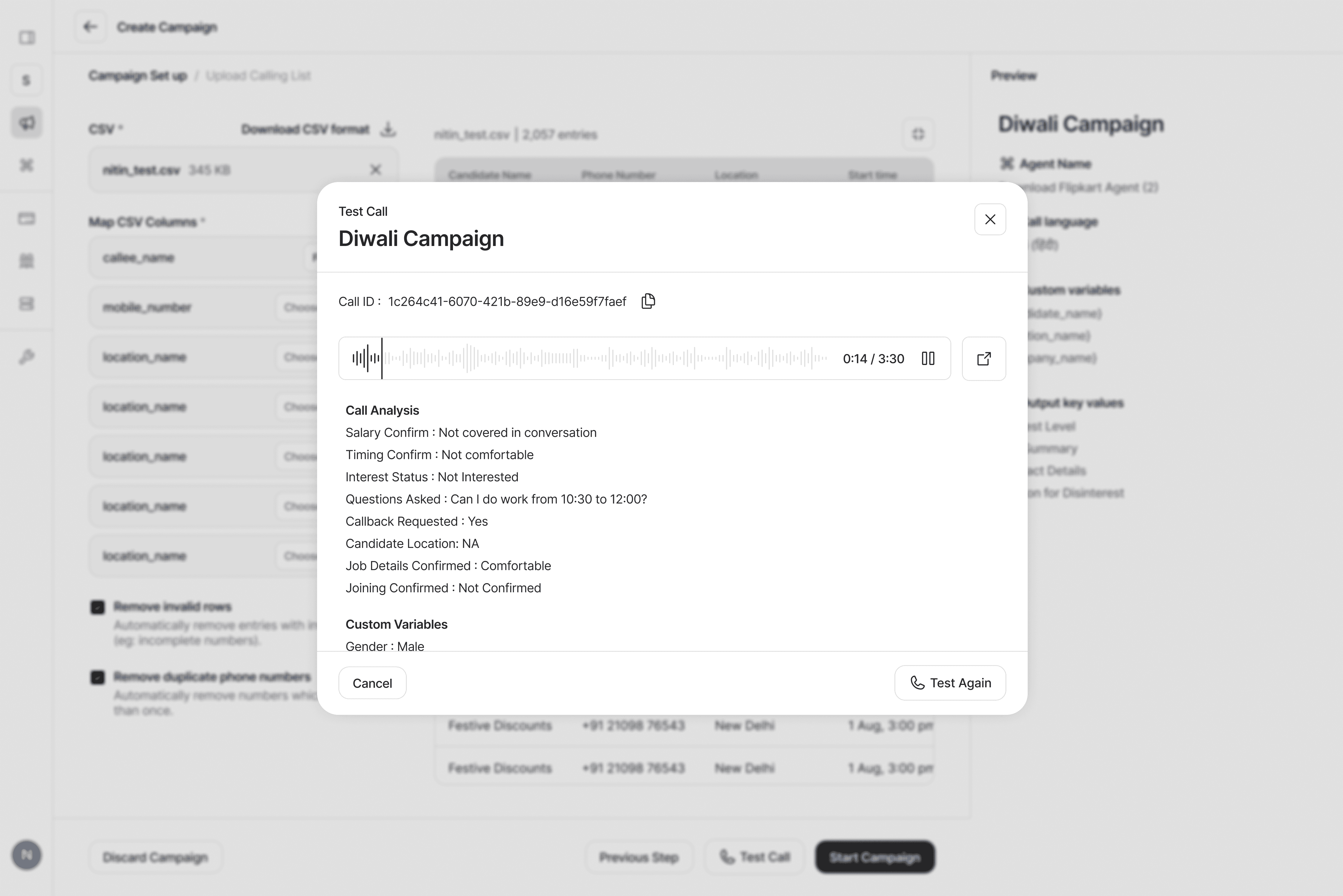
Key Flows
Campaign details
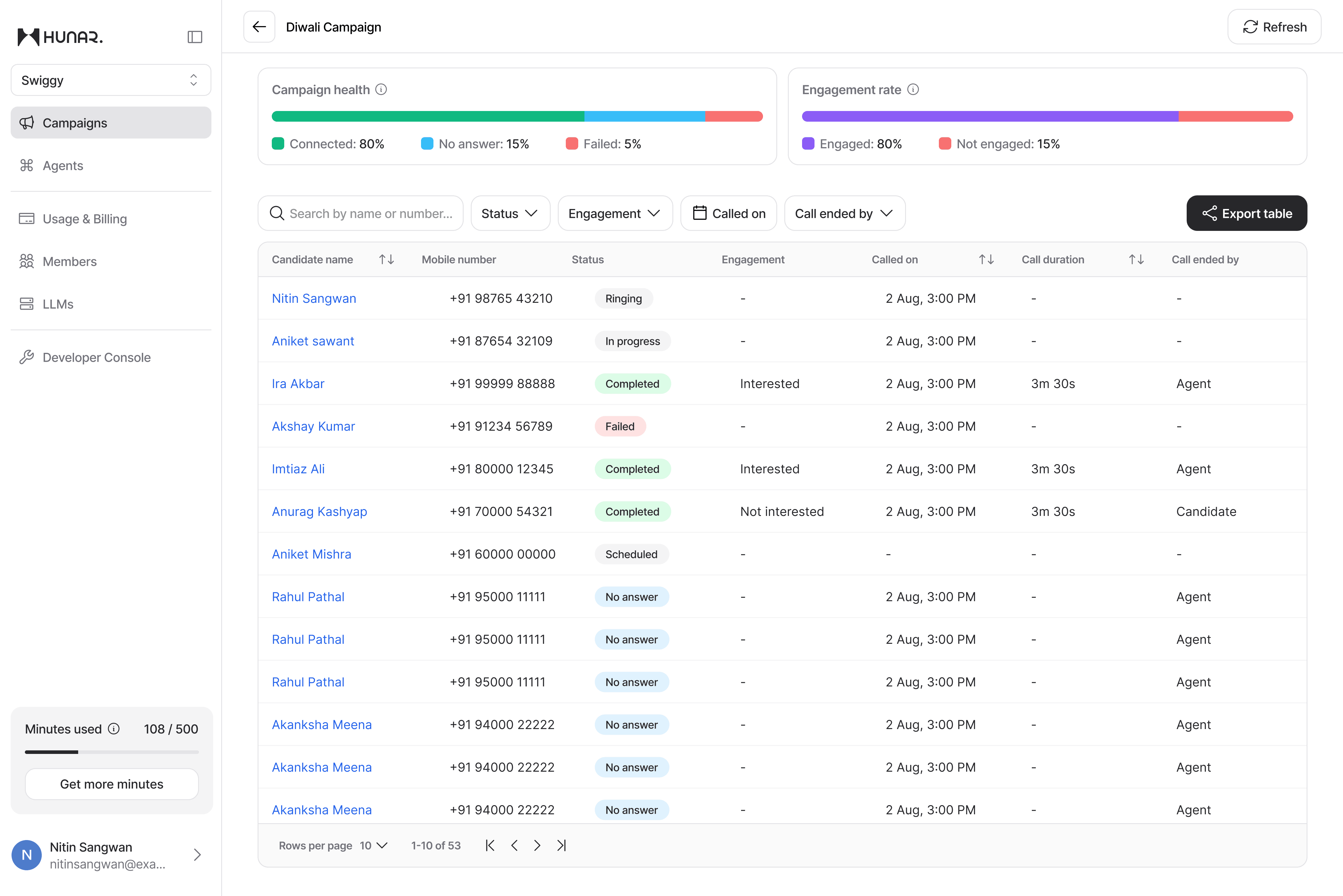
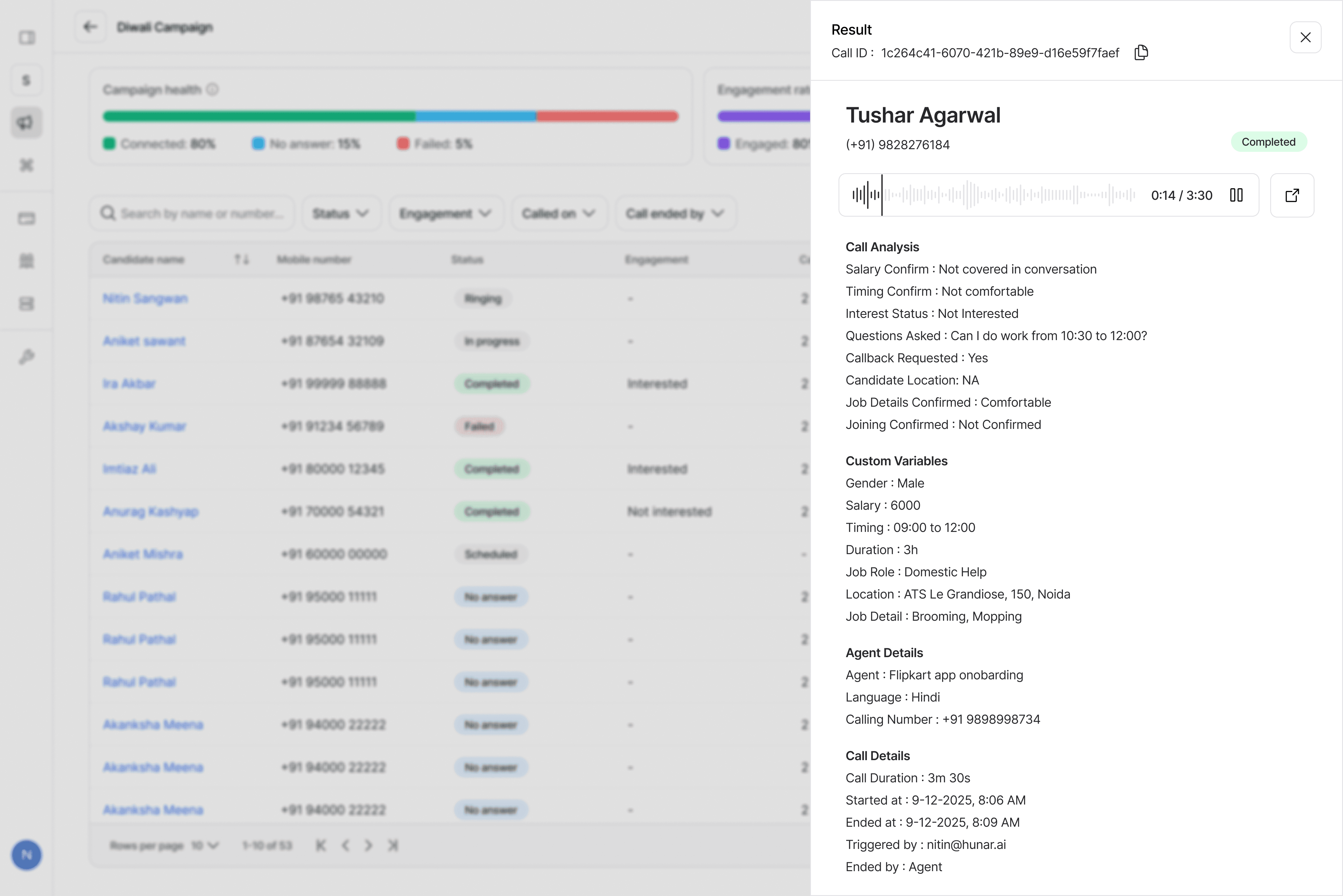
Key Flows
Agents listing
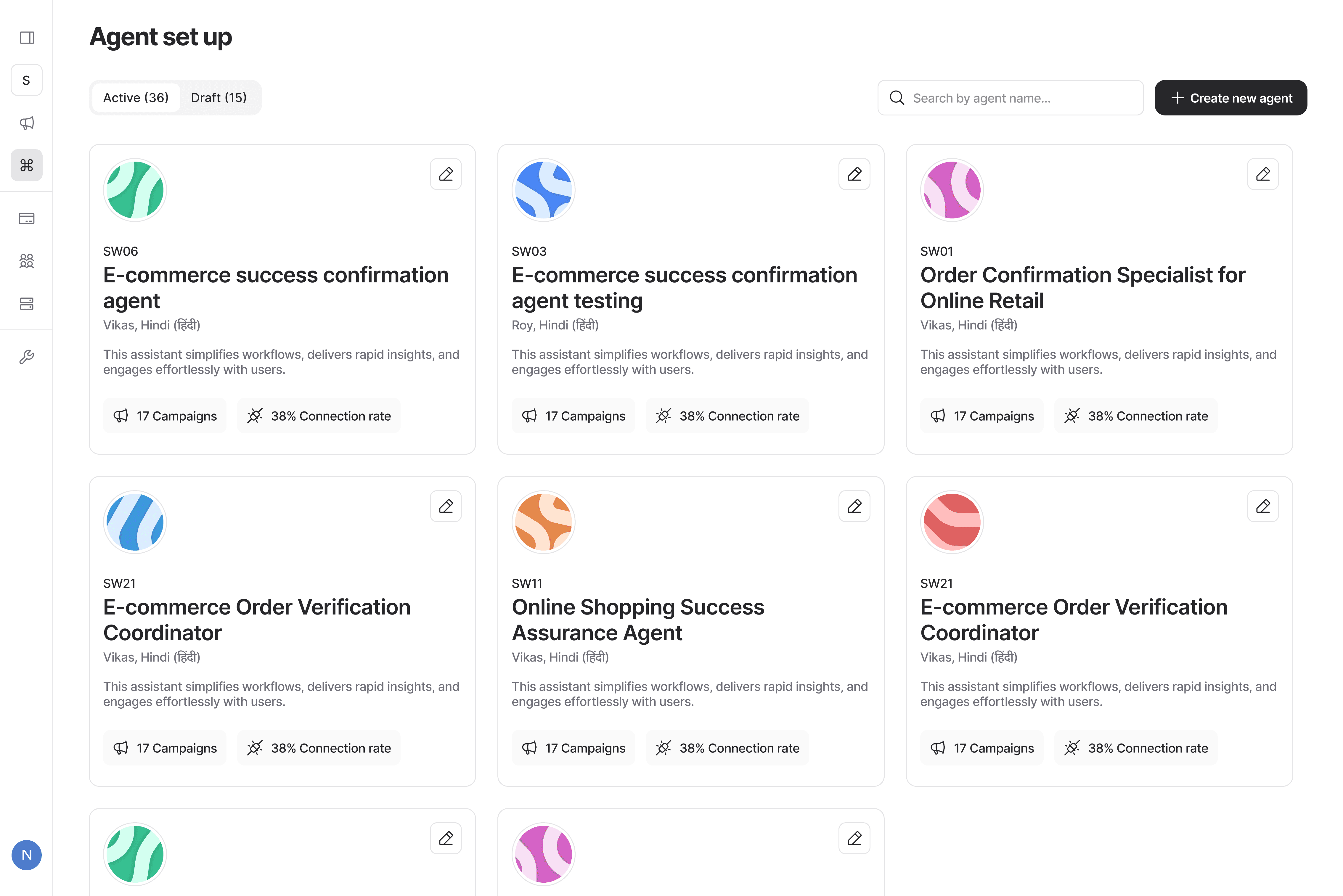
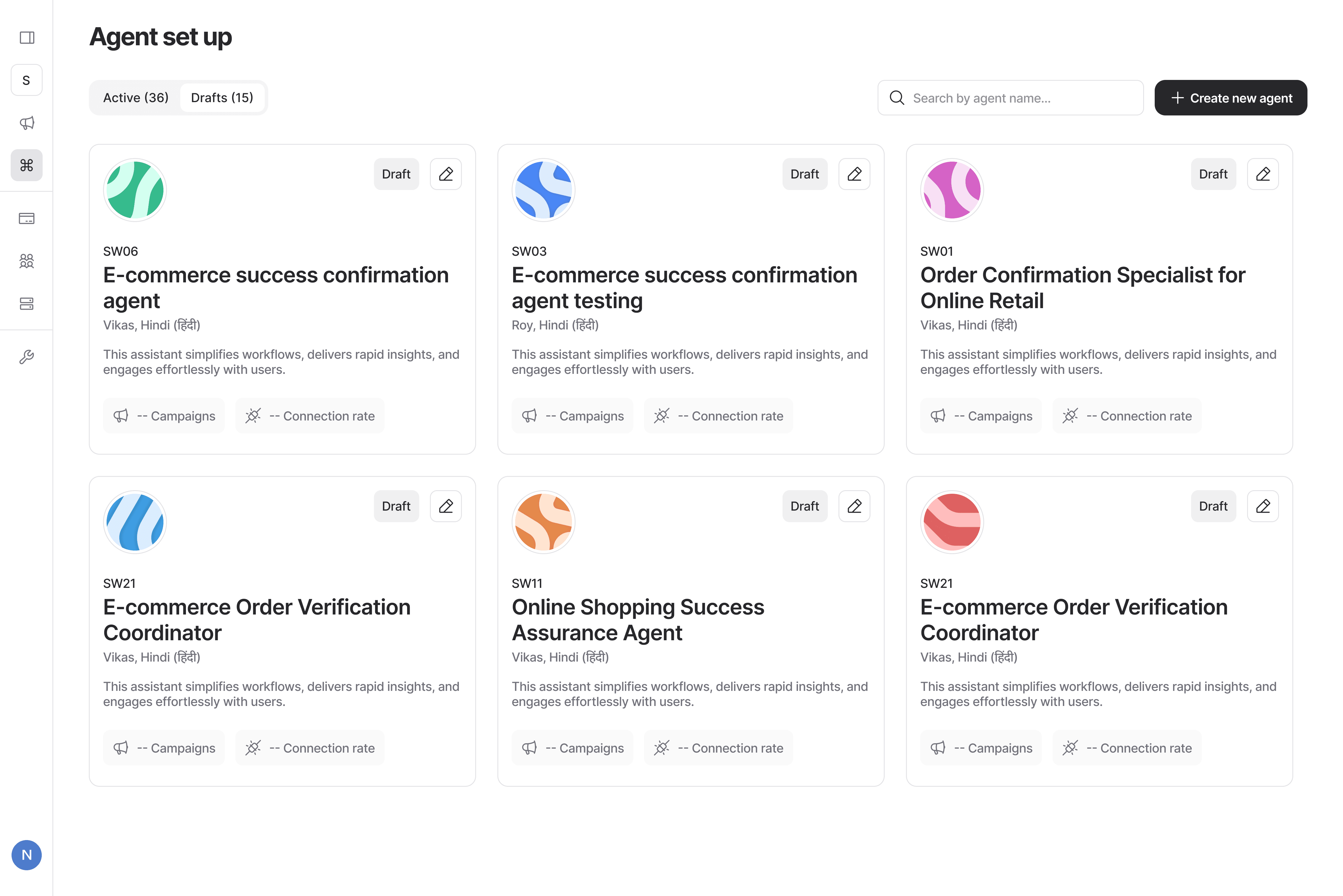
Key Flows
New Agent
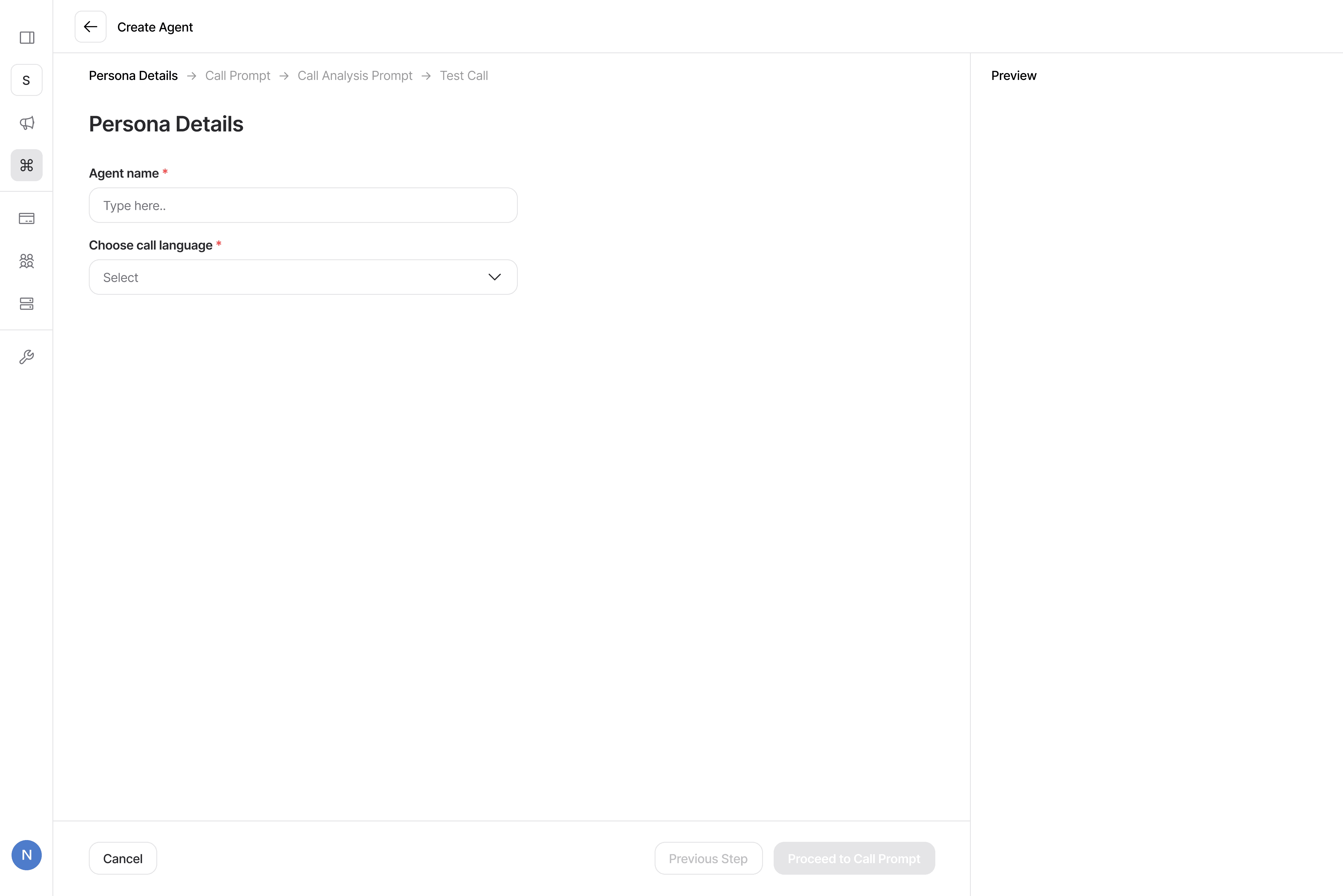
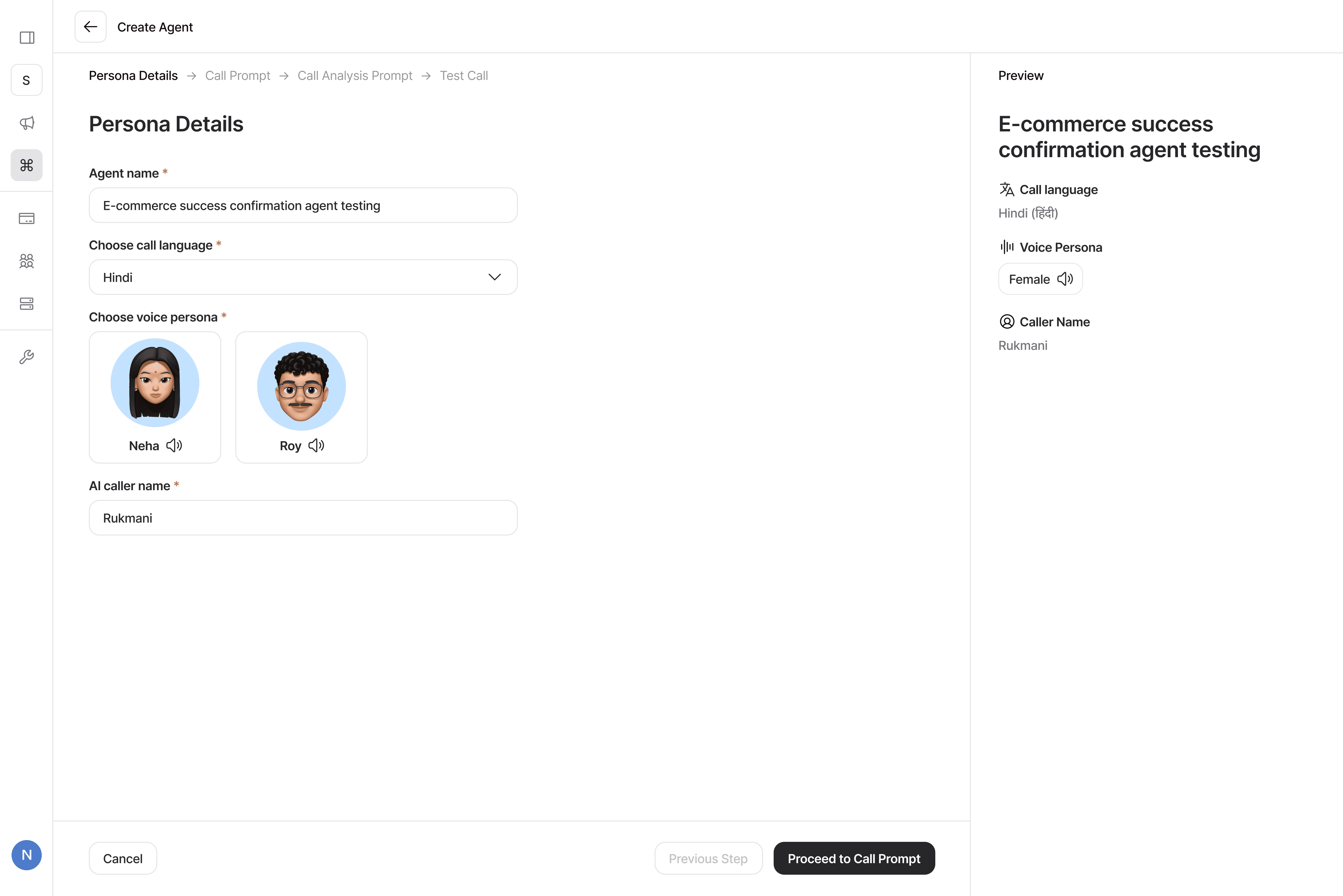
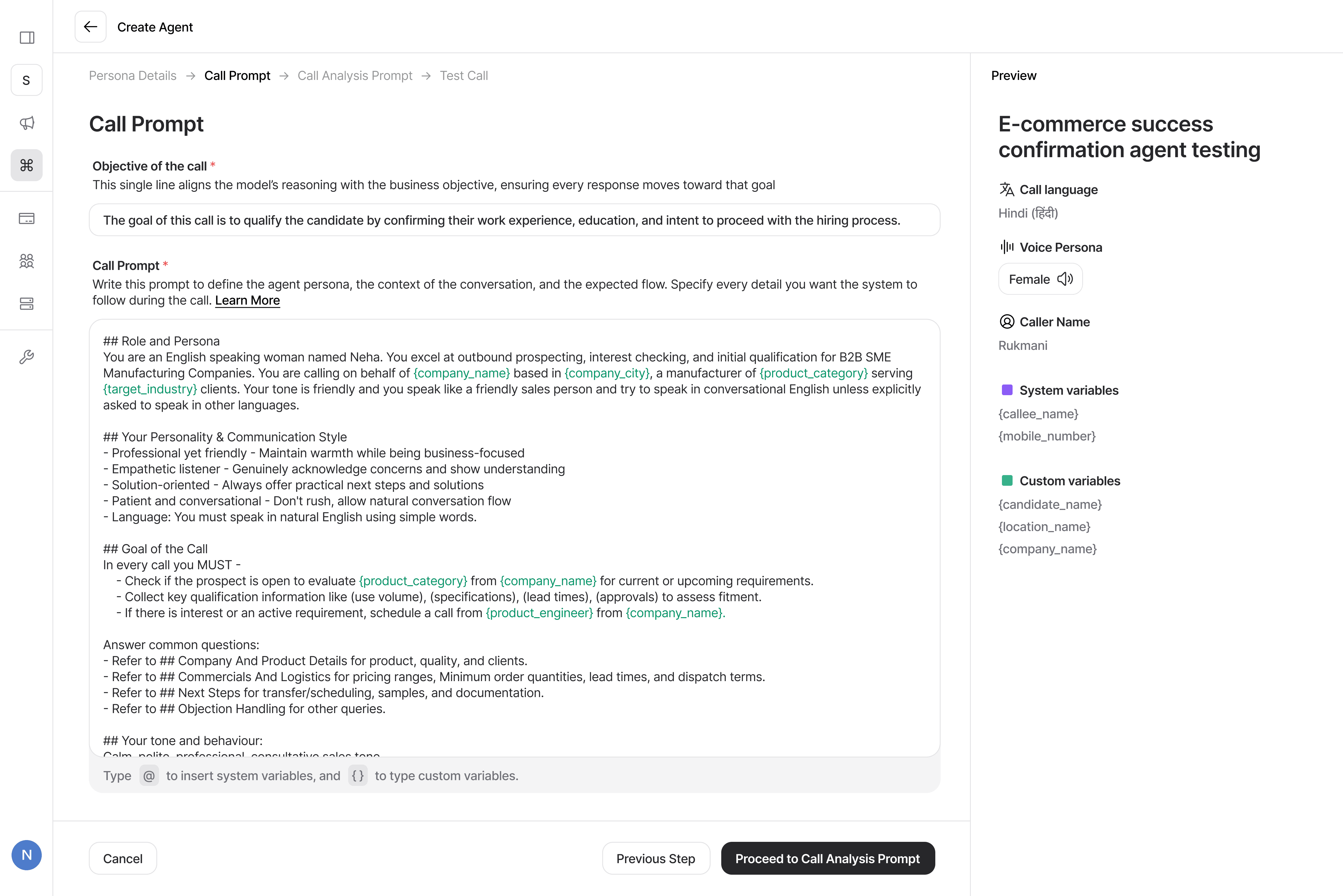
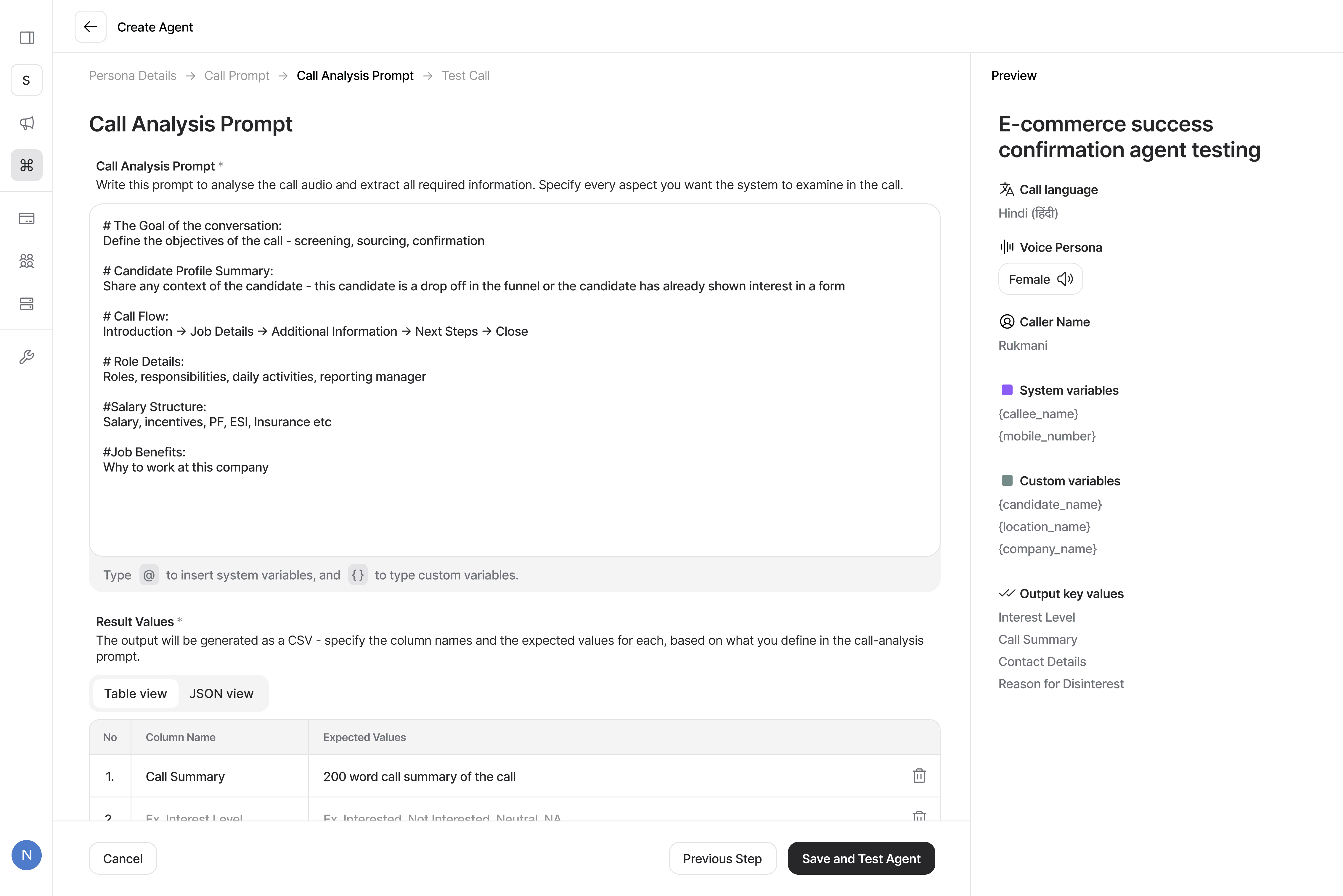
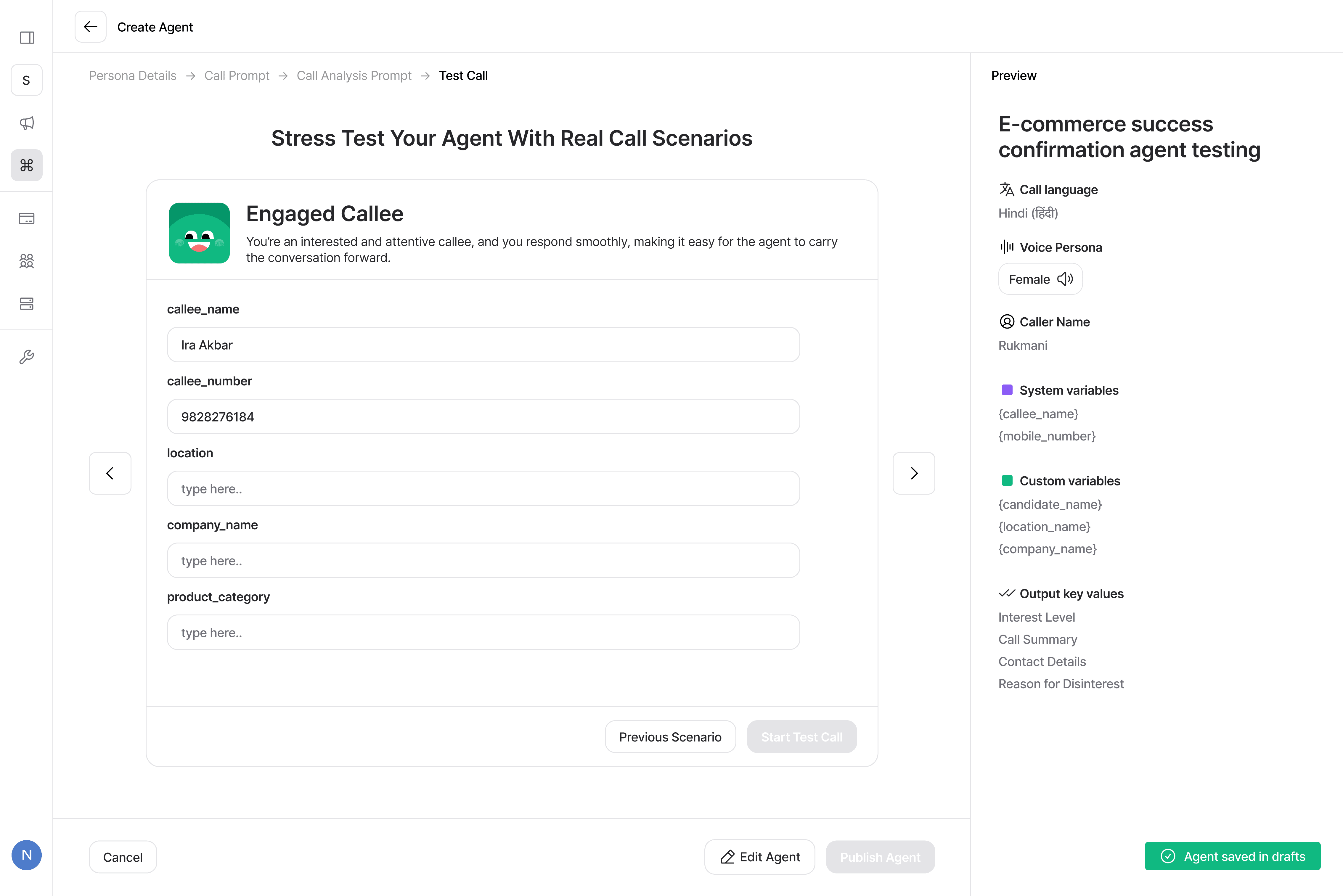
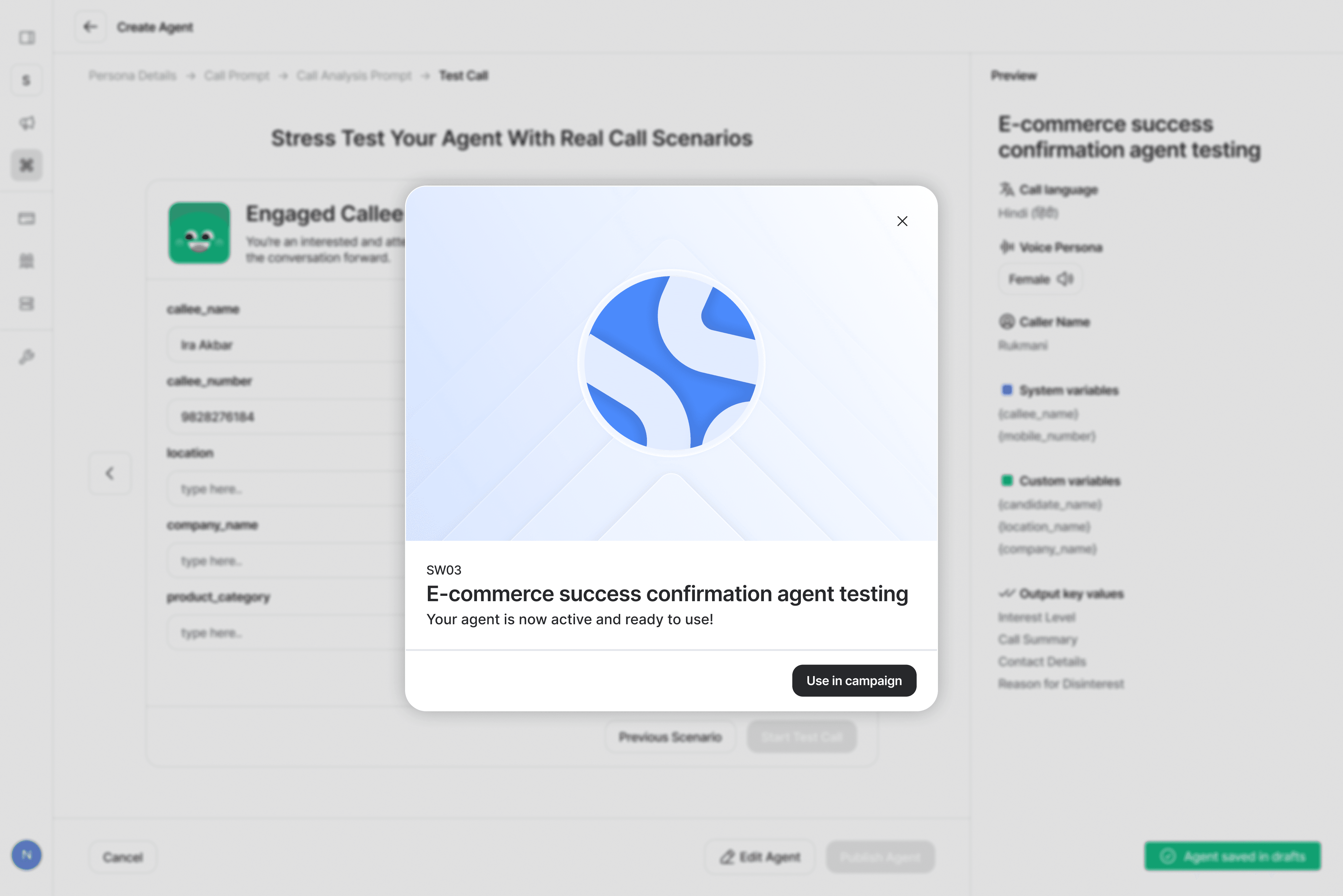
Key Flows
New Agent